🔐 slmgr /dli – Check Windows License Status Easily
If you want to quickly check whether your Windows system is activated, licensed, or using a trial version, the slmgr /dli Command is one of the easiest and fastest ways to do it.
This built-in Windows command displays essential license information without requiring the installation of any third-party software.
🧠 What is slmgr /dli?
slmgr stands for Software Licensing Management Tool.
It is a Windows script used to manage and view license and activation details.
The /dli parameter means:
Display License Information
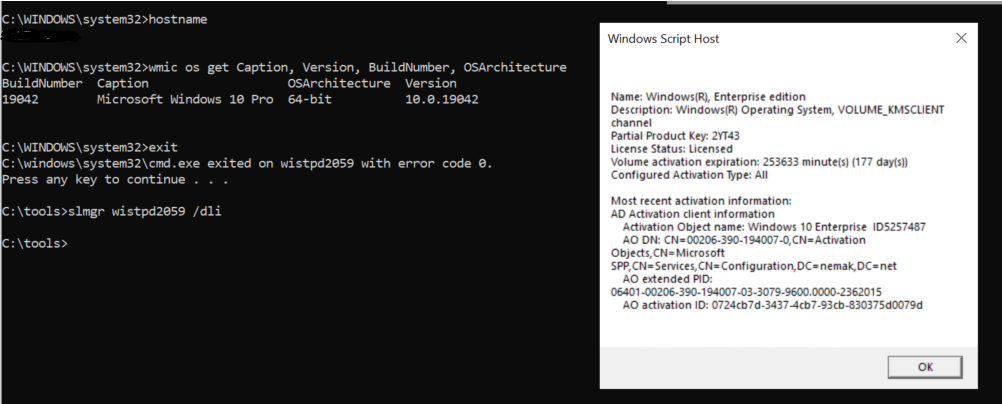
When you run slmgr /dli, Windows shows a small dialog box with important licensing details such as:
- License status (Licensed / Unlicensed / Notification)
- Activation channel (Retail, OEM, Volume)
- Partial product key
- License type
⚙️ How to Use slmgr /dli (Step-by-Step)
Follow these simple steps:
- Press Windows + R on your keyboard
- Type
cmdand press Ctrl + Shift + Enter (Run as Administrator) - In Command Prompt, type:
slmgr /dli - Press Enter
- A Windows Script Host window will appear, showing your license details
💡 Tip: Always run Command Prompt as Administrator to avoid permission issues.
📊 What Information Does slmgr /dli Show?
Here’s what you’ll typically see:
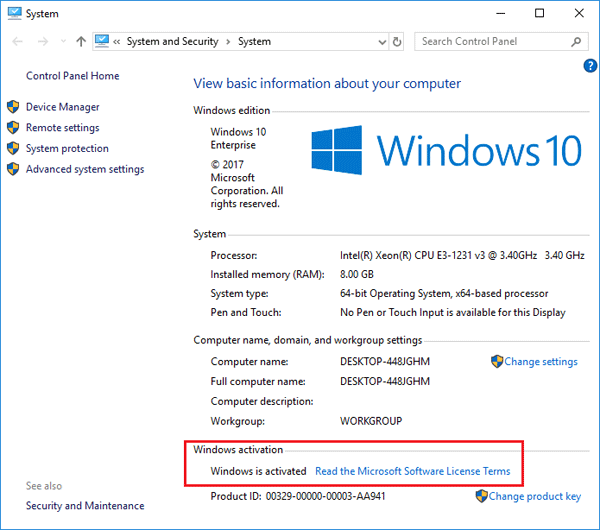
- License Status
Shows whether Windows is activated or not - Activation Channel
- Retail – Purchased individually
- OEM – Preinstalled by the manufacturer
- Volume – Used by organizations
- Partial Product Key
Last 5 characters of your Windows product key - Remaining Windows rearm count (on some systems)
This makes slmgr /dli perfect for quick checks, especially on new PCs or after reinstalling Windows.
🔄 slmgr /dli vs Other slmgr Commands
| Command | Purpose |
|---|---|
slmgr /dli | Quick license summary |
slmgr /dlv | Detailed license information |
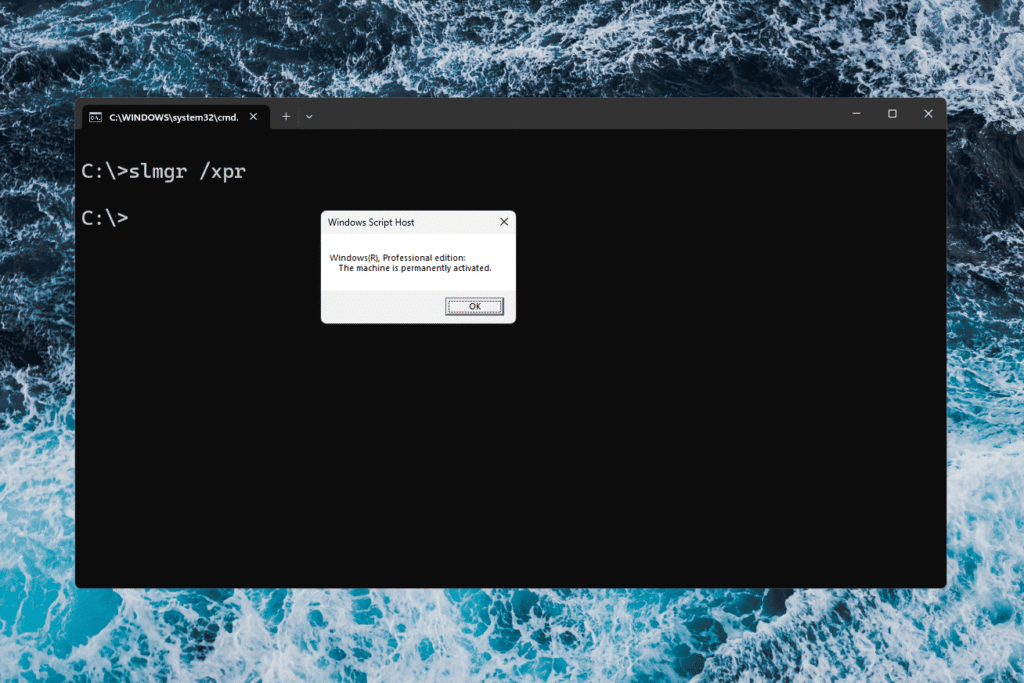
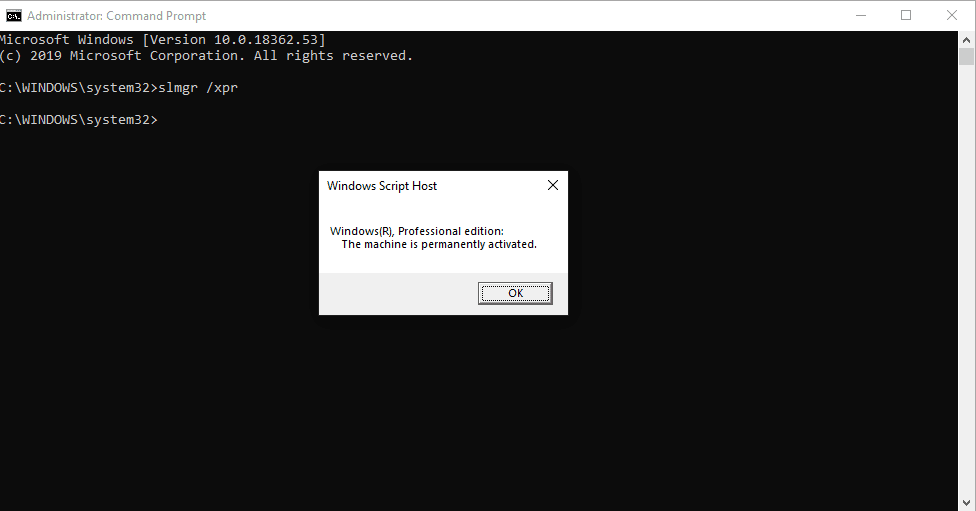
slmgr /xpr | Check if Windows license is permanent |
slmgr /ato | Activate Windows online |
If you only want a fast license check, /dli It is the best option.
🛠️ When Should You Use slmgr /dli?
- After installing or reinstalling Windows
- When Windows shows the “Activate Windows” watermark
- Before upgrading hardware
- To verify OEM vs Retail license
- For IT troubleshooting and audits
⚠️ Common Issues & Fixes
Problem: The Command does nothing
✔ Run Command Prompt as Administrator
Problem: License shows “Notification.”
✔ Windows is not activated — you may need a valid product key
Problem: Activation channel confusion
✔ OEM licenses are tied to hardware; Retail licenses can be transferred
✅ Final Thoughts
The slmgr /dli Command is a simple yet powerful tool for checking Windows activation and license status. It’s built directly into Windows, requires no downloads, and gives instant results.
Whether you’re a casual user or an IT professional, knowing how to use slmgr /dli can save time and help you avoid activation issues.